
Real Video Enhancer
Drop in a clip and let AI rebuild the detail. Real Video Enhancer doubles your video's resolution right in this tab — no download, no GPU, no cost.
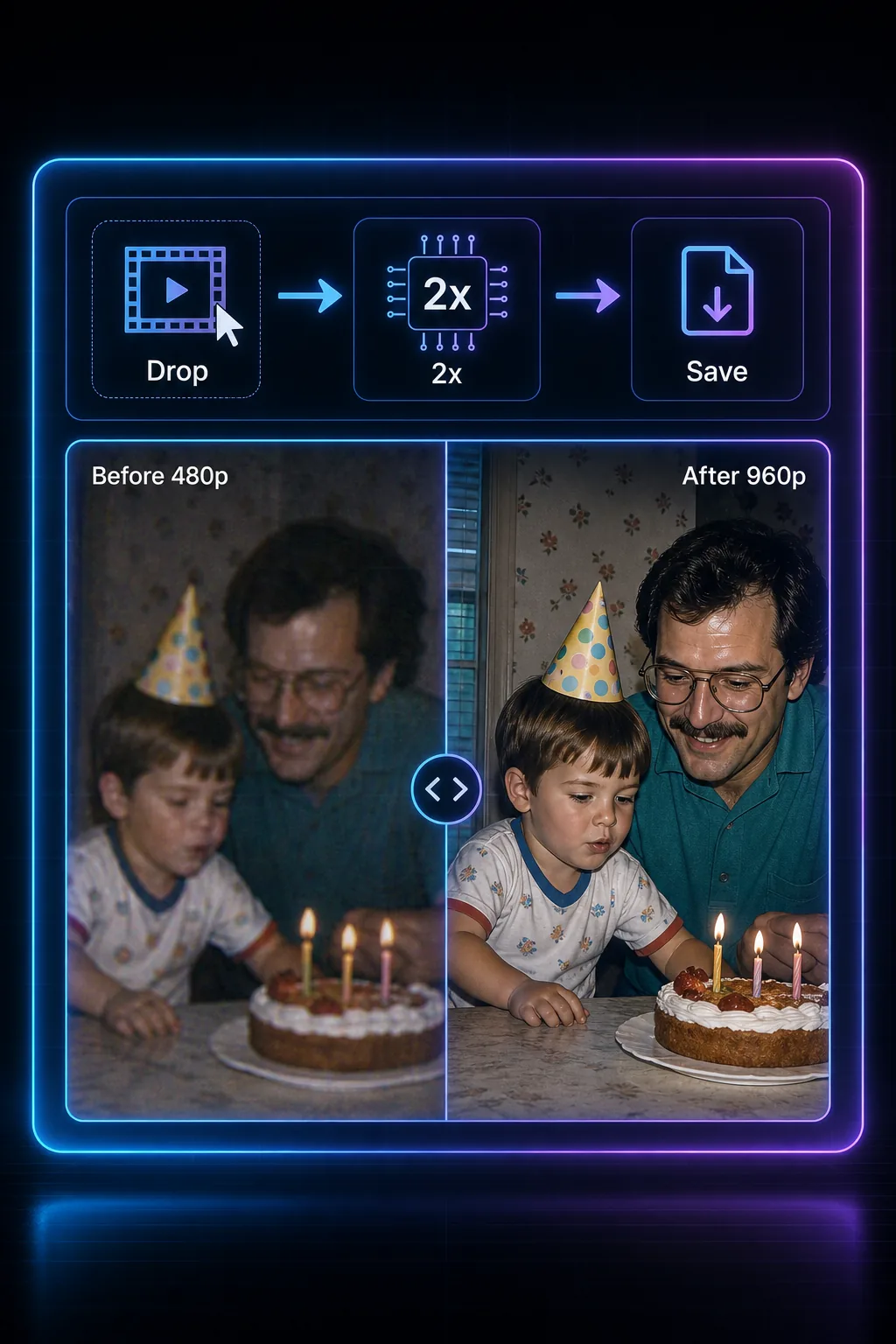
What Real Video Enhancer Does With Your Footage
The desktop route means a download, model files, and ideally a dedicated GPU. Real Video Enhancer takes the same idea — AI super-resolution — and serves it as a web page. Nothing to set up.
- Double the Resolution, For RealA neural network reads every frame and rebuilds it at twice the size — 480p becomes 960p, 720p becomes 1440p, 1080p becomes 4K. Reconstructed detail, not stretched pixels.
- Runs on Whatever You HaveReal Video Enhancer works in Chrome, Edge, Safari, and Firefox on any operating system. Office laptop, MacBook, even a tablet — most modern browsers can run it, no install needed.
- Private by DesignThe AI model executes on your own device — through WebGPU where available, or a built-in fallback on older browsers. There is no upload step at all; your footage stays in your browser from drop to download.
- Zero Setup, Zero DependenciesNo installers, no Python environments, no driver hunting. Real Video Enhancer loads its AI model the moment you open the page — you're upscaling within seconds.
Why Run Real Video Enhancer in Your Browser
You came here to fix a video, not to configure software. Here's what skipping the desktop route gets you.
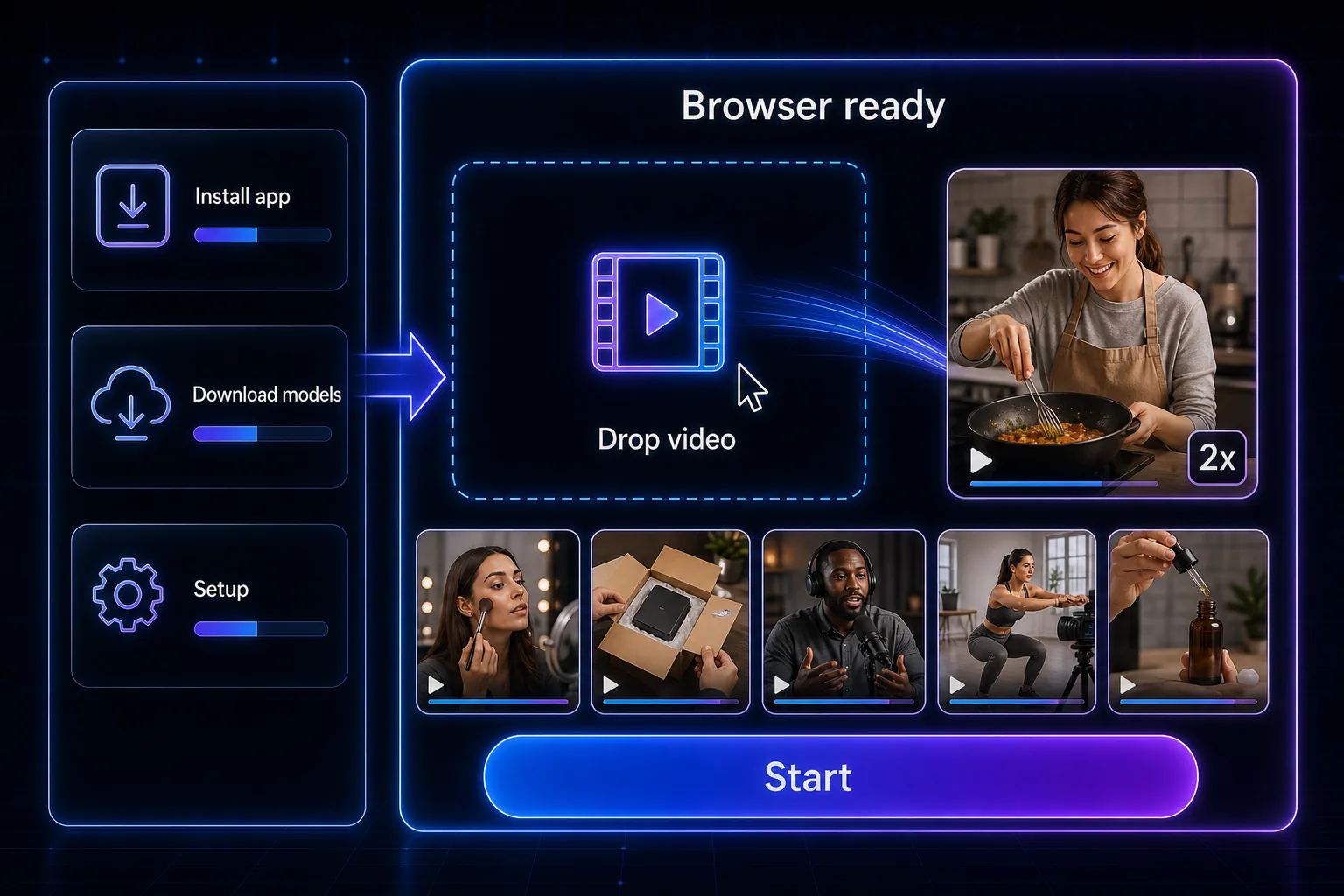
Upscale a Video With Real Video Enhancer in 3 Steps
If you can attach a file to an email, you can do this:
Add Your Clip
Drag an MP4, WebM, or MOV file into the drop zone, or click to browse. Real Video Enhancer reads it in place — nothing is sent anywhere.
Choose Your Speed-Quality Balance
Need a quick result? Take Fast. Unsure? Balanced is the safe default. Chasing maximum sharpness, pick Best Quality — each option renders the opening frame so you can compare before the full run.
Save the Upscaled File
The AI processes your video frame by frame, then packages the result with the original audio untouched. Download it — no watermark, no signup, no fee.
The Technology Inside Real Video Enhancer
Browser tools used to mean toy tools. Modern web APIs changed that — this is what makes desktop-grade AI upscaling possible in a tab.
WebGPU Acceleration
Real Video Enhancer dispatches its neural network to your graphics hardware through WebGPU — the same class of compute access desktop tools get from CUDA or Vulkan, minus the drivers.
Genuine Super-Resolution
Each frame passes through a trained AI model that infers sub-pixel detail. The output is a true 2x reconstruction: a 1920×1080 source renders as real 3840×2160.
Three Tuned Quality Presets
Fast, Balanced, and Best Quality map to three model sizes. The smaller networks finish in minutes; the largest resolves the finest textures, edges, and text.
Hardware-Encoded Output
Finished frames go straight into your browser's built-in video encoder. One clean encode, no second compression pass, no quality bleed.
Untouched Audio Track
Real Video Enhancer copies your audio through byte-for-byte. Dialogue, music, and sync stay exactly as recorded.
Frame-Streaming Pipeline
Video is processed as a stream, one frame in memory at a time. Long clips run steadily without ballooning RAM or crashing the tab.
Real Video Enhancer at a Glance
Everything the desktop workflow delivers, minus the workflow.
2x Output Scale
Output Scale
0 Downloads Required
Downloads Required
100% On-Device Processing
On-Device Processing
Real Video Enhancer FAQ
Quick answers on what this tool does, what it costs (nothing), and how it treats your files.
Upscale Your First Video With Real Video Enhancer
Open, drop, download. No install, no signup, no watermark — see the difference in minutes.